Microsoft 365: Streamlining Your Personal Communication
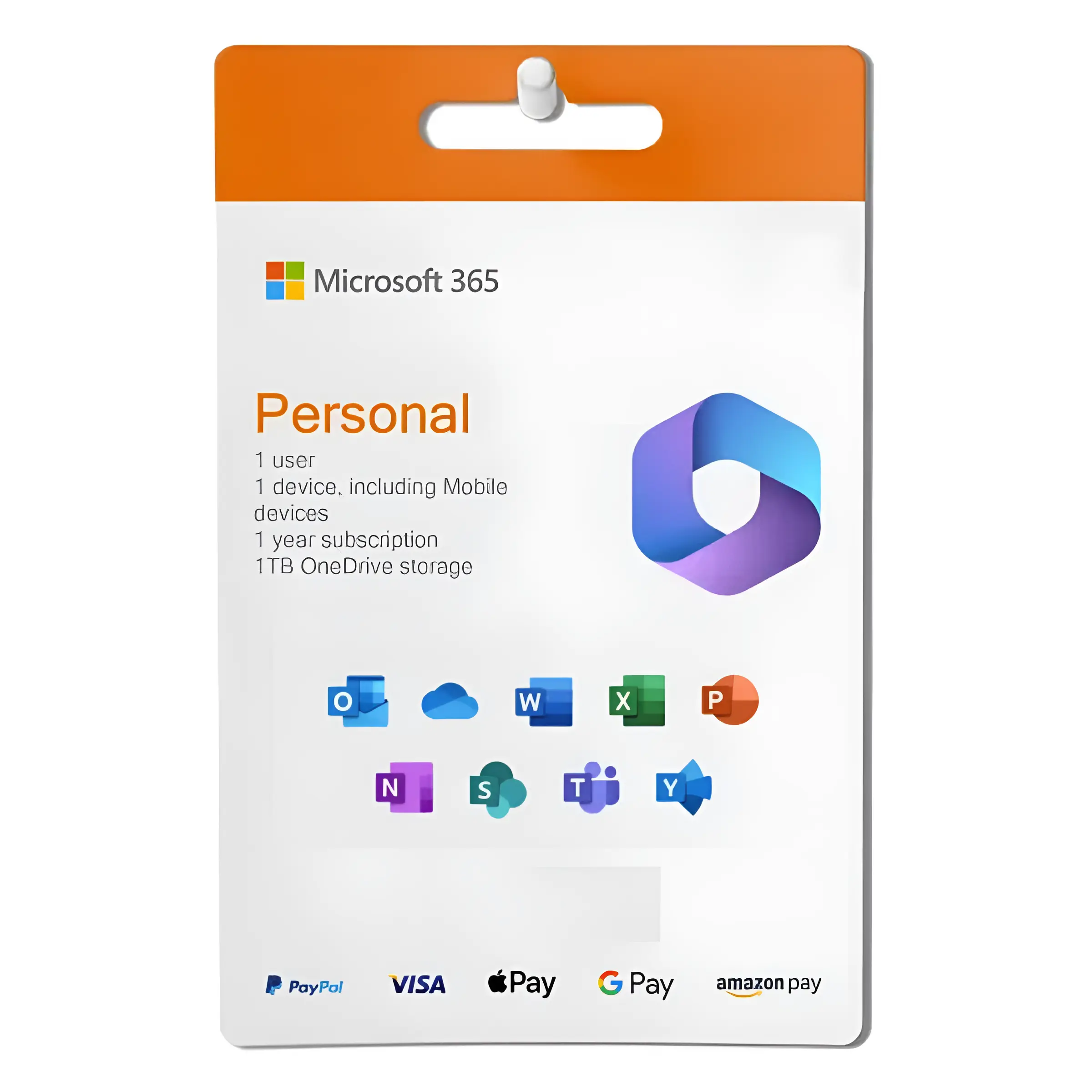
In today’s fast-paced world, staying connected is more critical than ever. Whether it’s coordinating family events, managing personal finances, or simply staying in touch with friends, effective communication is the key to a well-organized and fulfilling life. Microsoft 365 offers a suite of tools designed to streamline your personal communication and enhance your overall productivity. Far beyond just a word processor or spreadsheet program, Microsoft 365 provides a comprehensive ecosystem of applications designed to keep you connected, organized, and in control. This suite of tools empowers you to effortlessly manage your communications across various platforms, ensuring you never miss an important message or opportunity.
Consolidating Communication with Outlook
At the heart of Microsoft 365’s communication capabilities lies Outlook, a powerful email and calendar management tool. Outlook allows you to consolidate multiple email accounts into a single, easy-to-manage interface. No more switching between different apps or websites to check your Gmail, Yahoo, or other email addresses. Outlook brings everything together in one place, saving you time and reducing the risk of missing important messages.
Beyond email, Outlook’s calendar feature is an invaluable asset for managing your schedule. You can easily schedule appointments, set reminders, and share your calendar with family members or close friends. This shared calendar functionality simplifies the process of coordinating events and ensuring everyone is on the same page. Features like recurring events and customizable reminders make it easy to stay on top of important deadlines and appointments. The integration with email also allows you to quickly respond to meeting invitations and track RSVPs.
Enhancing Collaboration with OneDrive
OneDrive, Microsoft’s cloud storage service, seamlessly integrates with other Microsoft 365 applications to facilitate effortless collaboration. You can easily share files and folders with others, allowing them to view, edit, or comment on documents in real-time. This is particularly useful for families who need to collaborate on projects such as planning a vacation or managing household finances.
OneDrive also provides a secure and reliable way to back up your important files. With automatic syncing, you can rest assured that your documents, photos, and videos are always safe and accessible, even if your device is lost or damaged. The ability to access your files from any device – computer, tablet, or smartphone – provides unparalleled flexibility and convenience. This ensures that you can stay productive and connected, regardless of your location.
Staying Connected with Microsoft Teams (Personal)
While often associated with business communication, Microsoft Teams also offers a personal version designed to help families and friends stay connected. Teams provides a central hub for all your communication needs, allowing you to create group chats, share files, and even make video calls.
Teams is perfect for coordinating family events, sharing photos and videos, or simply staying in touch with loved ones who live far away. The built-in video conferencing feature allows you to have face-to-face conversations with multiple people simultaneously, making it feel like you’re all in the same room. You can also create different channels for different topics, such as Family Vacation Planning or Book Club, to keep your conversations organized and focused.
The Power of Integrated Apps for Seamless Personal Communication
The true power of Microsoft 365 lies in the seamless integration of its various applications. For example, you can create a document in Word, save it directly to OneDrive, and then share it with others through Outlook or Teams. This eliminates the need to switch between different programs and manually transfer files, saving you time and effort.
Similarly, you can create a spreadsheet in Excel to track your household budget, share it with your partner through OneDrive, and then set reminders in Outlook to review the budget on a regular basis. This interconnectedness allows you to create a streamlined workflow that simplifies your personal life and enhances your productivity. The integration between these apps fosters a cohesive digital environment, making it easier to manage various aspects of your life from a single platform.
Mastering Tasks with To Do
Microsoft To Do is a simple yet powerful task management app that integrates seamlessly with Outlook and other Microsoft 365 applications. You can use To Do to create lists of tasks, set deadlines, and assign tasks to others. This is particularly helpful for managing household chores, planning events, or tracking personal goals.
You can also integrate To Do with Outlook to turn emails into tasks. For example, if you receive an email with a request or a reminder, you can simply flag it in Outlook and it will automatically appear in your To Do list. This ensures that you never forget to follow up on important emails. The cross-platform availability of To Do means you can manage your tasks from any device, ensuring you’re always on top of your to-do list.
Enhancing Your Life with Effortless Communication
Microsoft 365 offers a comprehensive suite of tools designed to streamline your personal communication and enhance your overall productivity. From consolidating email accounts with Outlook to collaborating on projects with OneDrive and staying connected with Microsoft Teams, Microsoft 365 provides everything you need to stay organized, informed, and in touch with the people who matter most. By leveraging the power of these integrated applications, you can simplify your personal life, reduce stress, and focus on the things that truly matter. Microsoft 365 empowers you to take control of your communication and create a more connected and fulfilling life.








Reviews
There are no reviews yet.