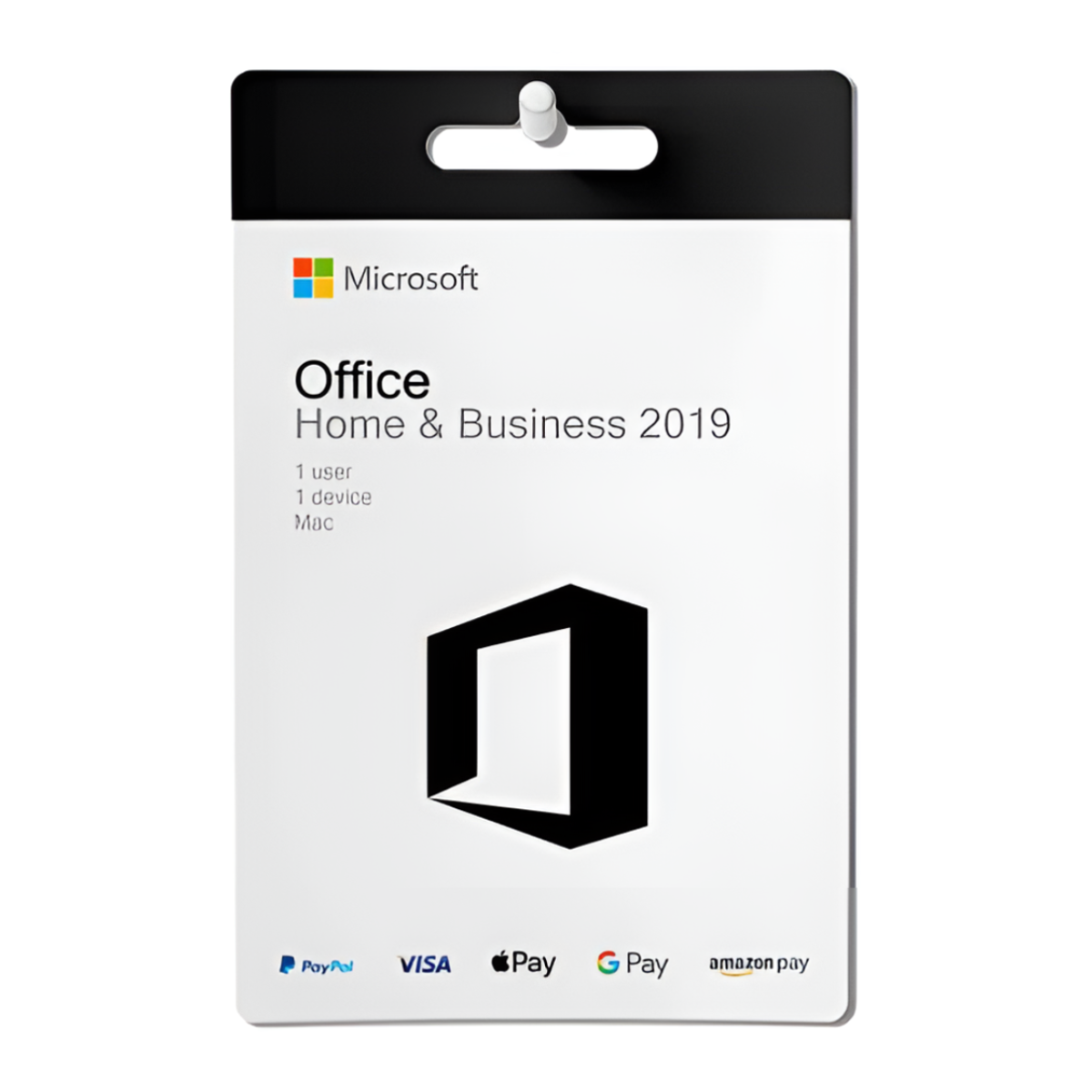
Microsoft Office Home & Business 2019 Lifetime License For Mac
For Mac users seeking a reliable and familiar productivity suite, Microsoft Office Home & Business 2019 offers a compelling solution. Purchasing a lifetime license provides a one-time cost alternative to subscription-based models, granting perpetual access to essential applications like Word, Excel, PowerPoint, Outlook, and OneNote. If you’re tired of annual fees and prefer owning your software outright, this option deserves a closer look.
This suite is designed with both home users and small businesses in mind. It strikes a balance between powerful functionality and user-friendly interfaces, making it suitable for various tasks, from creating professional documents and presentations to managing emails and organizing data. Let’s delve deeper into what makes the Microsoft Office Home & Business 2019 Lifetime License a worthwhile investment for Mac users.
Key Applications and Features
The Home & Business 2019 suite includes the core applications that have become synonymous with productivity. Let’s examine each one:
Microsoft Word: The industry-standard word processor empowers you to create, edit, and format documents of all kinds. From simple letters to complex reports, Word provides a comprehensive set of tools for crafting compelling written content. Features like advanced formatting options, collaboration tools, and built-in templates streamline the writing process.
Microsoft Excel: This powerful spreadsheet program is essential for data analysis, organization, and visualization. Excel allows you to create charts, graphs, and tables to gain insights from your data. Its wide array of functions and formulas makes it suitable for everything from personal budgeting to complex financial modeling.
Microsoft PowerPoint: Captivate your audience with visually appealing presentations using PowerPoint. This application provides a range of design tools, animations, and transitions to create engaging slideshows. Whether you’re presenting to colleagues, clients, or classmates, PowerPoint helps you deliver your message effectively.
Microsoft Outlook: Stay connected and organized with Outlook, the email and calendar management application. Outlook allows you to manage multiple email accounts, schedule appointments, and track tasks in one central location. Its integration with other Office applications streamlines your workflow and keeps you on top of your communication.
Microsoft OneNote: Capture your thoughts, ideas, and notes in OneNote, the digital notebook application. OneNote allows you to organize your notes into sections and pages, making it easy to find the information you need. You can also insert images, audio recordings, and web links to create rich and interactive notes.
Benefits of a Lifetime License
Opting for a lifetime license offers several advantages over subscription-based alternatives like Microsoft 365:
One-Time Cost: The most significant benefit is the one-time purchase price. Once you buy the license, you own the software outright, eliminating the need for recurring monthly or annual fees.
Perpetual Access: Enjoy continued access to the applications without worrying about subscription renewals. This is particularly appealing for users who prefer long-term software ownership.
Familiar Interface: The Office 2019 suite retains the familiar interface that millions of users have come to rely on. This minimizes the learning curve and allows you to get productive right away.
Offline Access: Unlike some subscription-based services, the desktop versions of the Office applications provide full functionality even when you’re offline. This is crucial for users who need to work on the go or in areas with limited internet connectivity.
Installation and System Requirements
Installing the Microsoft Office Home & Business 2019 Lifetime License on your Mac is generally a straightforward process. The software typically comes with clear installation instructions, and Microsoft’s support website offers helpful resources if you encounter any issues. While I am not very tech-savvy, even I managed it easily.
Before purchasing, it’s essential to ensure that your Mac meets the minimum system requirements for Office 2019. These requirements typically include a compatible macOS version, a certain amount of RAM, and sufficient hard disk space. Check the official Microsoft website for the most up-to-date system specifications.
Who is This Suite For?
The Home & Business 2019 suite is ideal for a wide range of users, including:
Home Users: Individuals who need a reliable set of productivity tools for personal tasks, such as writing documents, managing finances, or creating presentations.
Small Business Owners: Entrepreneurs and small business owners who need essential office applications without the ongoing cost of a subscription.
Students: Students who require access to Word, Excel, and PowerPoint for schoolwork and projects.
Anyone Seeking a Perpetual License: Users who simply prefer owning their software outright rather than paying for a subscription service.
Considerations Before Purchasing
While the lifetime license offers several benefits, it’s essential to consider the following:
No Automatic Upgrades: Unlike subscription-based models, a lifetime license does not include automatic upgrades to future versions of Office. If you want to upgrade to a newer version, you’ll need to purchase a new license.
Feature Updates: While you’ll receive security updates and bug fixes, you may not receive all the latest feature updates that are available in subscription-based versions.
Compatibility: Ensure that the suite is compatible with your current macOS version and that you meet the minimum system requirements.
Conclusion
The Microsoft Office Home & Business 2019 Lifetime License For Mac provides a valuable option for users seeking a one-time purchase solution for their productivity needs. With its comprehensive suite of applications, familiar interface, and offline access, it’s a compelling alternative to subscription-based models. By considering the benefits, limitations, and system requirements, you can make an informed decision about whether this suite is the right fit for your needs. If you value owning your software outright and prefer a perpetual license, Office Home & Business 2019 is certainly worth exploring.





Reviews
There are no reviews yet.